Back to Blog
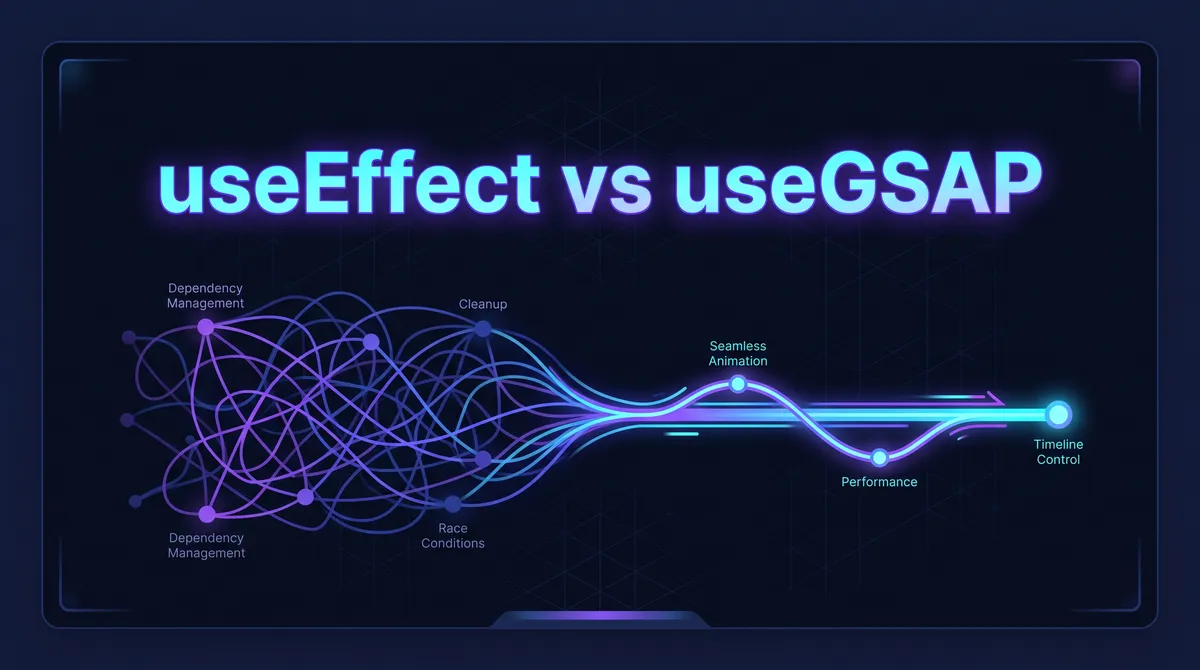
Stop using useEffect for GSAP animations in React
Most React devs use
useEffectfor everything—including animations, but there's a much better way. ⚡
What's the problem?
If you have been building in the React ecosystem for a while, you already know useEffect is the go-to tool for side effects. You drop your GSAP logic inside, add an empty dependency array, and call it a day. But stick with me here, because that approach is secretly ruining your component architecture.
With the introduction of React 18, Strict Mode causes components to mount, unmount, and remount in development. This meant your GSAP animations were firing twice. To fix this, we had to introduce GSAP Context, which added a ton of boilerplate just to keep our UI from breaking.
You had to create the context, write your tweens inside it, and then remember to return a cleanup function calling ctx.revert(). Honestly, it was a headache and cluttered up perfectly good components.
What is useGSAP?
The GSAP team saw this friction and released a dedicated hook tailored for the React ecosystem. It is called useGSAP. It is literally a drop-in replacement for useEffect when dealing with animations.
Instead of fighting React's lifecycle methods, useGSAP embraces them. It wraps all the heavy lifting, context creation, and memory management into a single, clean hook.
How does it work?
Alright, let's go over the difference. This is what the old way looked like using useEffect and Context:
JAVASCRIPT
import { useEffect, useRef } from 'react';
import gsap from 'gsap';

export default function OldWay() {
  const boxRef = useRef(null);

  useEffect(() => {
    // 1. Create the context
    let ctx = gsap.context(() => {
      gsap.to(boxRef.current, { rotation: 360, duration: 1 });
    });

    // 2. Cleanup manually
    return () => ctx.revert();
  }, []);

  return <div ref={boxRef} className="box">Box</div>;
}
Now, wait, hear me out. Look at how much cleaner it gets when you switch to useGSAP:
JAVASCRIPT
import { useRef } from 'react';
import gsap from 'gsap';
import { useGSAP } from '@gsap/react';

export default function NewWay() {
  const container = useRef(null);

  useGSAP(() => {
    // Just write your animation!
    gsap.to(".box", { rotation: 360, duration: 1 });
  }, { scope: container });

  return (
    <div ref={container}>
      <div className="box">Box</div>
    </div>
  );
}
Why should you care?
This hook solves 6+ headaches at once. First, it handles the cleanup automatically. You never have to manually revert your contexts again, which means zero memory leaks.
Second, it provides scoped animations. Notice how in the second example, I targeted ".box" directly instead of passing a ref to every single element? Because we passed { scope: container }, GSAP only looks for elements with the class .box inside that specific container. This thing is wild for keeping your DOM selectors clean.
Finally, it is 100% Strict Mode and SSR safe. If you are using Next.js, you won't get those annoying hydration errors or double-firing animations.
When to use it (and when NOT to)
You should use useGSAP for literally every GSAP tween, timeline, or ScrollTrigger animation inside your React components. It should be your default moving forward.
However, do not use it if you are just toggling a simple CSS class. If you can achieve the animation with a basic Tailwind transition, keep it simple. Save GSAP for the complex, timeline-driven sequences.
Quick start
Dropping this into your current project is super easy. First, you need to install the specific React package provided by GSAP.
BASH
npm install @gsap/react
Once installed, just import useGSAP alongside the core gsap library, replace your useEffect blocks, and strip out all that old Context boilerplate. Your future self will thank you.
Final thoughts
React and GSAP are an incredibly powerful combo for web experiences. But writing messy boilerplate code to force them to play nice together is a thing of the past. Switching to useGSAP cuts down your lines of code, prevents bugs, and lets you focus on what actually matters: building fluid, mind-blowing animations.
Found this useful? Drop a reaction and share it with a dev who needs it. More coming — follow for updates.
Related Topics
#GSAP#React